

百度图片下载爬虫实战笔记
免责声明:本文所记录的技术手段及实现过程,仅作为爬虫技术学习使用,不对任何人完全或部分地依据本文的全部或部分内容从事的任何事情和因其任何作为或不作为造成的后果承担任何责任。
爬取需求:根据关键字,爬取百度图片并下载到本地;
爬取工具:chrome浏览器、pycharm
Python库:request
01
网站结构分析
打开百度首页,输入“美女”进行搜索:

分析页面请求,是通过ajax请求后端请求获取数据:
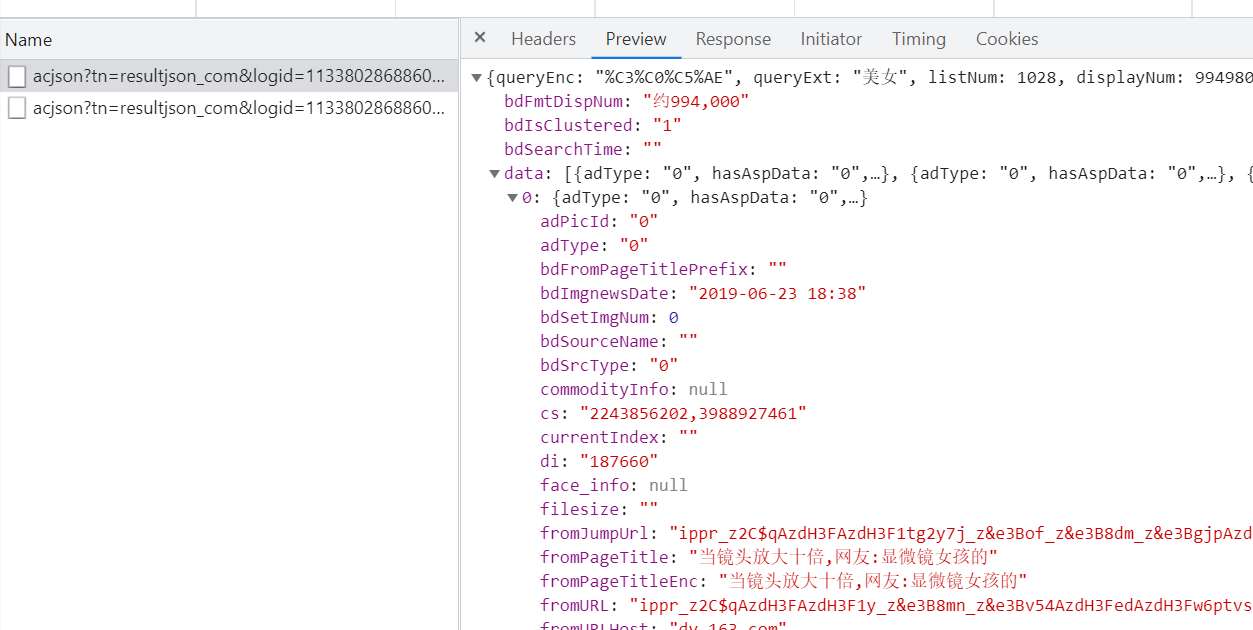
通过发送ajax请求,获取百度返回的json数据,解析json得到图片链接,下载链接即可;
02
创建爬虫
打开Pycharm开发工具,新建download_image.py,编写如下代码获取图片链接信息:
import requests
headers = {
'User-Agent': 'Mozilla/5.0 (Windows NT 10.0; Win64; x64) AppleWebKit/537.36 (KHTML, like Gecko) Chrome/92.0.4515.107 Safari/537.36'}def start_html(url):
html = requests.get(url, headers = headers)
if html.status_code == 200:
html.encoding = 'utf8'
data_json = html.json()['data']
# 最后一行数据为空,需要去掉
for object_json in data_json[:-1]:
print(object_json['middleURL'])
else:
print('ERROR:', url)if __name__ == '__main__':
url = 'https://image.baidu.com/search/acjson?tn=resultjson_com&logid=11293838324117499305&ipn=rj&ct=201326592&is=&fp=result&queryWord=%E7%BE%8E%E5%A5%B3&cl=2&lm=-1&ie=utf-8&oe=utf-8&adpicid=&st=-1&z=&ic=0&hd=&latest=©right=&word=%E7%BE%8E%E5%A5%B3&s=&se=&tab=&width=&height=&
start_html(url)123456789101112131415161718192021
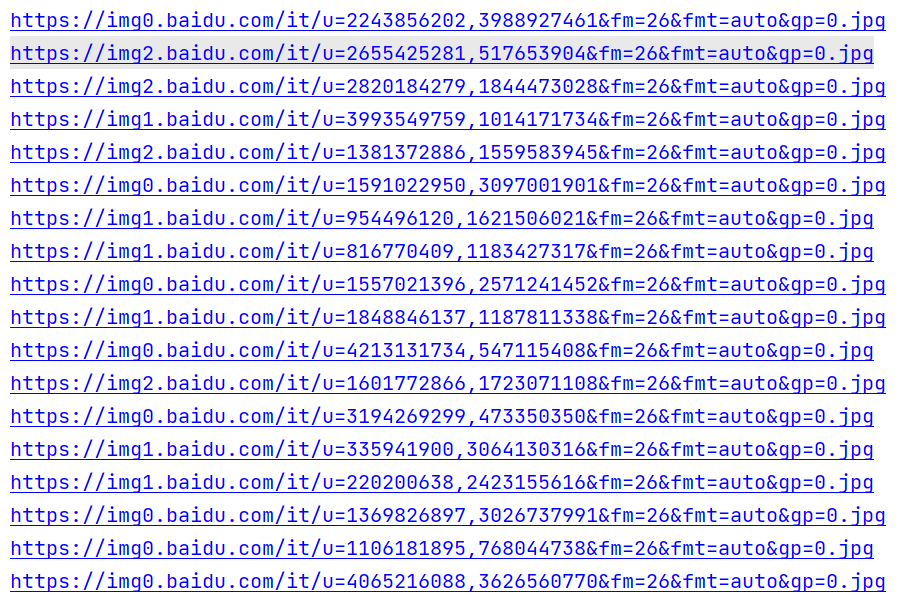
运行代码,能够成功获取图片地址。
03
下载图片
将获取到的图片,下载到本地:
def download_image(image_url):
    image = requests.get(image_url, headers = headers)
    print('正在下载图片: {}...'.format(image_url))

    # 创建文件夹
    path = "images"
    if not os.path.exists(path):
        os.makedirs(path)

    # 开始下载图片
    with open('images/{}.jpg'.format(uuid.uuid4()), 'wb') as file:
        for bit_data in image.iter_content(255):
            file.write(bit_data)12345678910111213
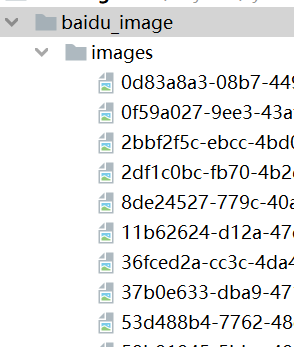
运行代码,图片已经下载到了本地。
04
翻页处理
通过比较翻页的url,发现百度图片是通过【rn】控制行数,【pn】控制起始页,本次仅作为练习使用,所以暂时只爬取前5页:
if __name__ == '__main__': for pn in range(30, 151, 30): url = 'https://image.baidu.com/search/acjson?tn=resultjson_com&logid=11293838324117499305&ipn=rj&ct=201326592&is=&fp=result&queryWord=%E7%BE%8E%E5%A5%B3&cl=2&lm=-1&ie=utf-8&oe=utf-8&adpicid=&st=-1&z=&ic=0&hd=&latest=©right=&word=%E7%BE%8E%E5%A5%B3&s=&se=&tab=&width=&height=&.format(pn) start_html(url)1234
运行代码,成功翻页!

 陕公网安备 61012502000223号
评论一下吧